Collection stories and styling
Connected collection photography with entries for dresses, tops, styled looks and new arrivals. Shoppers can browse by category or follow a look to its products.
DeliverableHomepage, collection entries and styled looks
 SHOPIFYPARTNER
CASE 002 Fashion & Apparel
An apparel storefront that turns campaign imagery into a shopping path, with outfit discovery, detailed product photography and size guidance.
Explore the design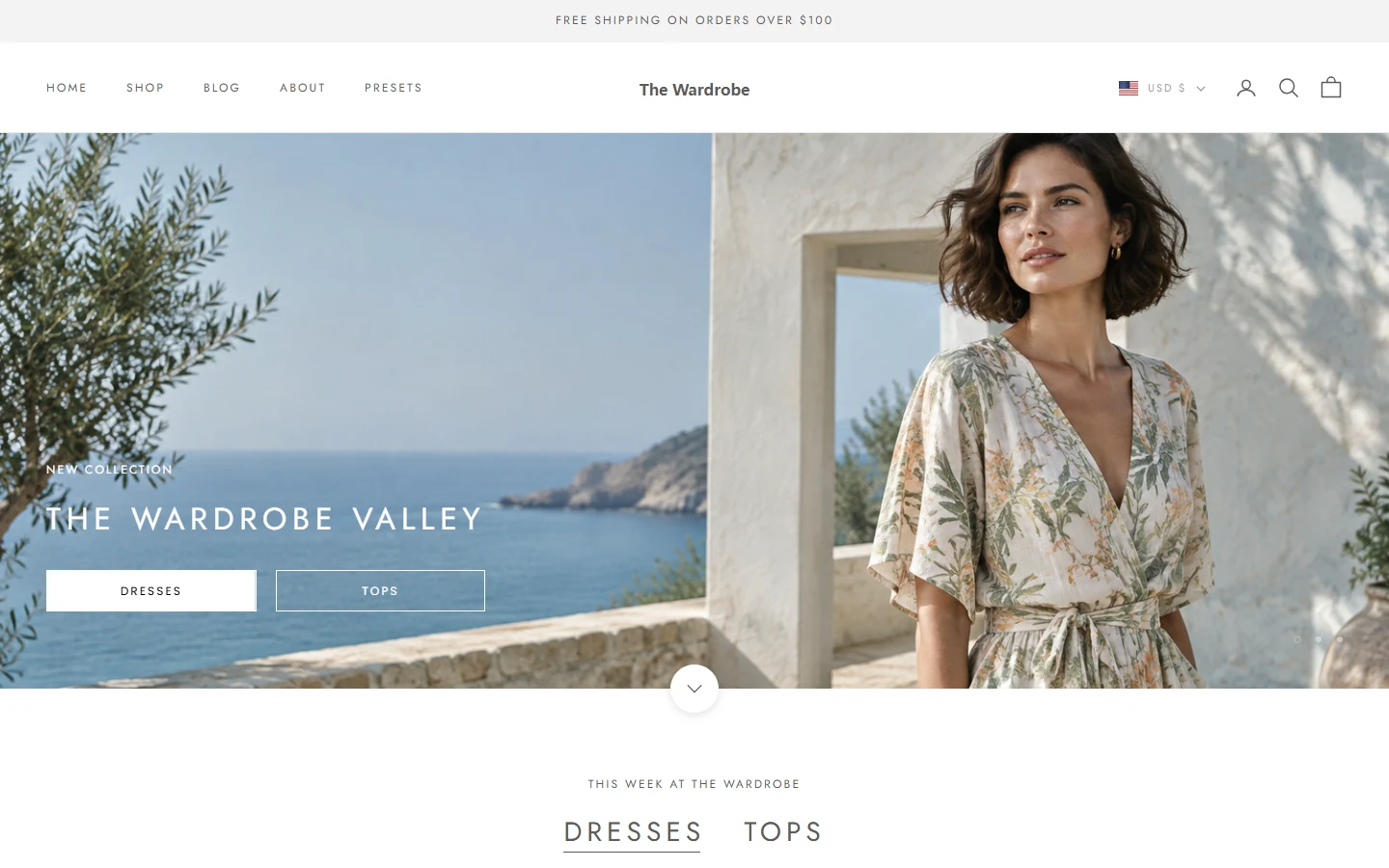
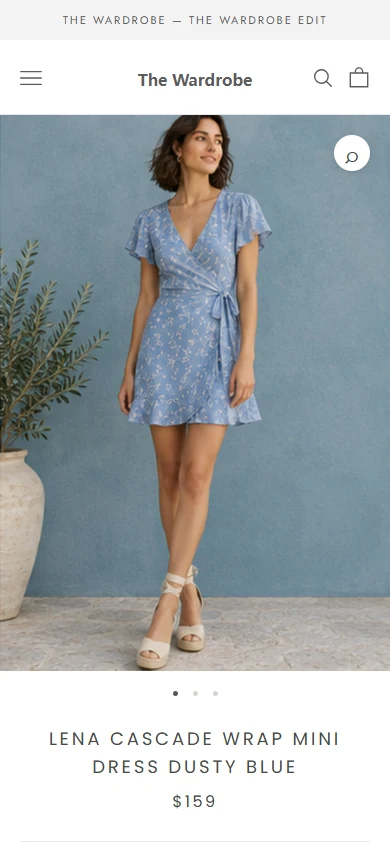
Liking an outfit and choosing a piece from it are different decisions. Shoppers need to identify the item they saw, then decide whether the color and fit work for them. We gave the homepage, collection and product page a distinct role in answering those questions.
Connected collection photography with entries for dresses, tops, styled looks and new arrivals. Shoppers can browse by category or follow a look to its products.
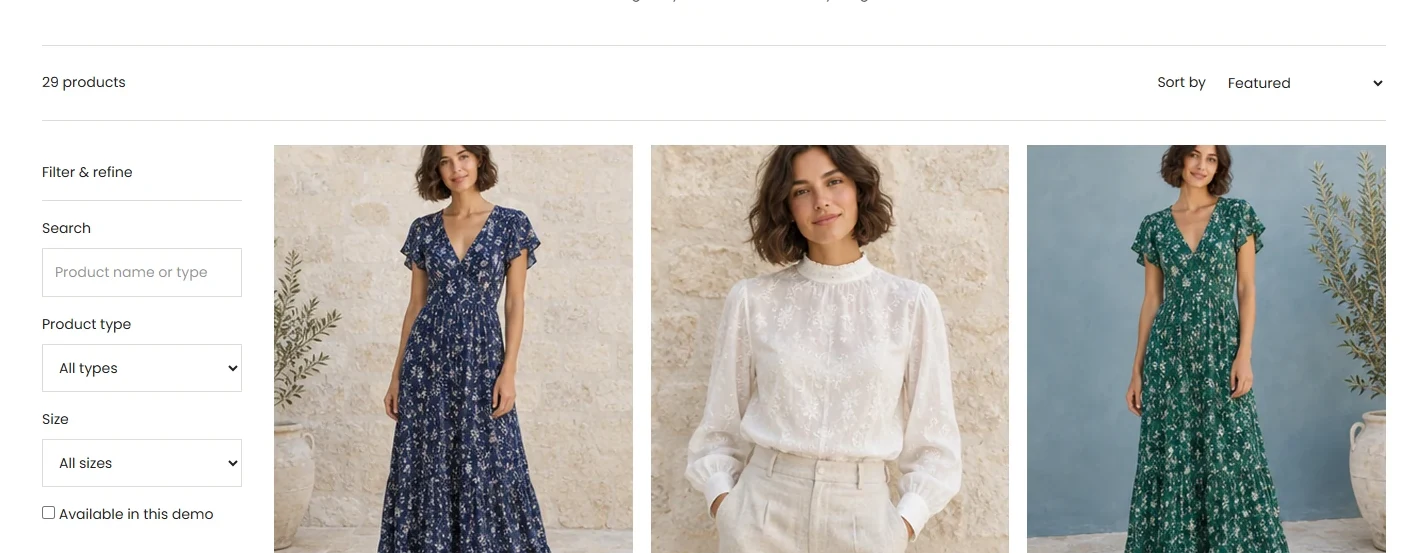
Created a collection view with filters for product type, size and availability. Cards surface color, price and an entry point to product options.
Placed photos, color, size chart and available options in the same buying area. Related products and styling content help shoppers continue exploring.
See how the homepage and product page take a shopper from a styled look to a garment and the right size.
Collection photography sets the scene before shoppers reach categories and styled looks. Markers show which pieces they can explore. Shoppers with something specific in mind can filter the collection by category, size and availability.


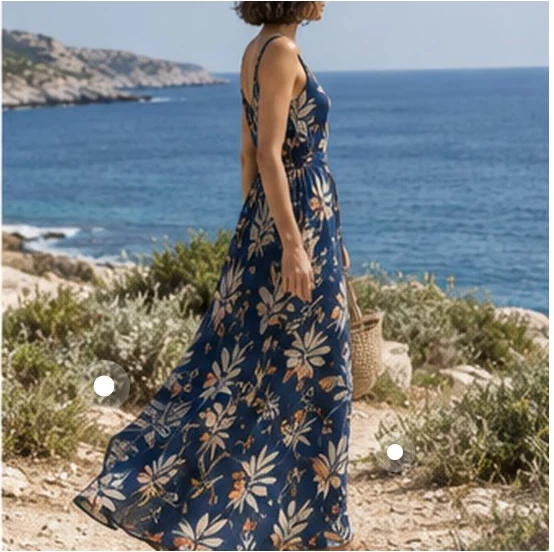
On-model photos show proportion and drape, while detail images show the cut. A size guide beside the selector lets shoppers check measurements as they choose. The bag repeats the selected color and size for a final check.

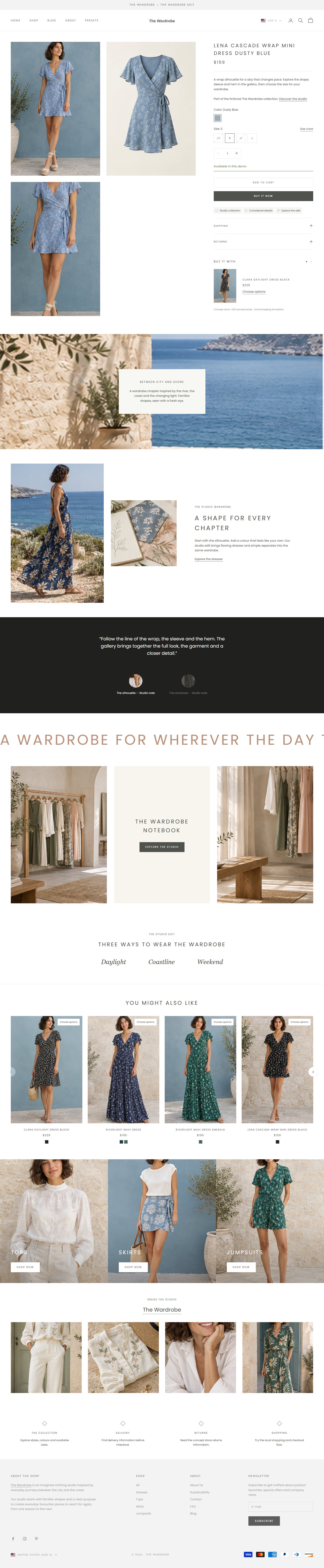
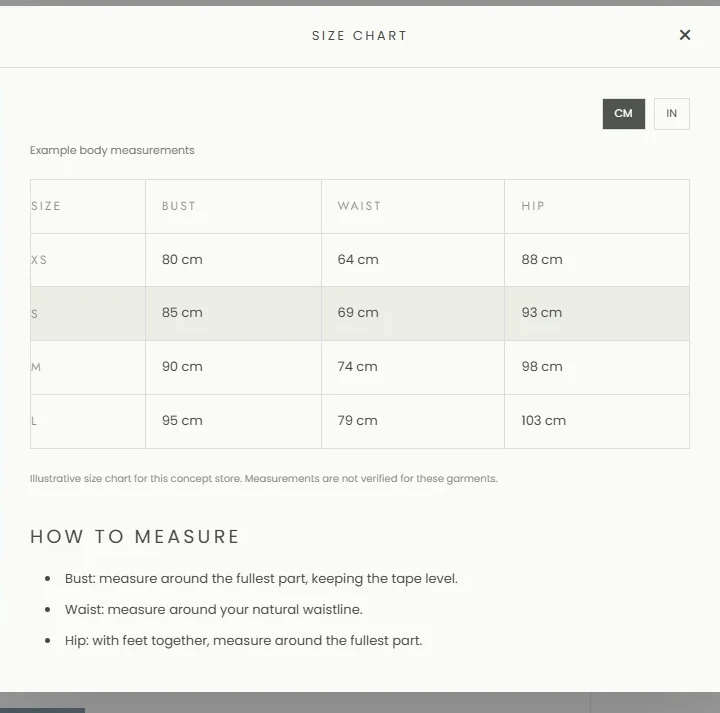
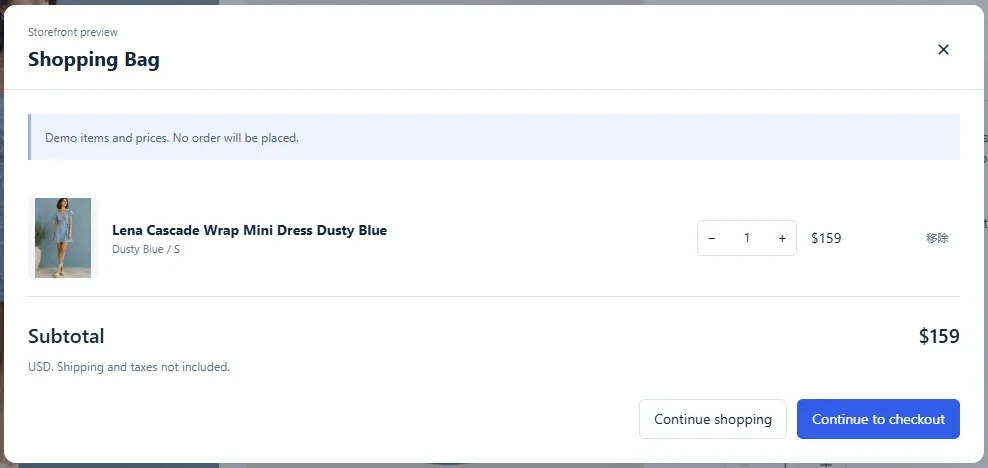
Used an existing theme to organize campaign banners, shoppable looks, collections and product templates, with image and control placement adapted for desktop and mobile.
A local catalog supplies categories, colors, sizes and availability. The collection applies the filters, and the product page passes the selected color and size to the demo bag.
The homepage, shoppable looks and collection pages demonstrate how campaign imagery can lead to item discovery.
The prototype includes fit photography, size guidance, variant selection, desktop and mobile purchase layouts, and the demo bag.
This is a concept storefront. Products, prices, availability, ratings and purchase interactions are for demonstration.