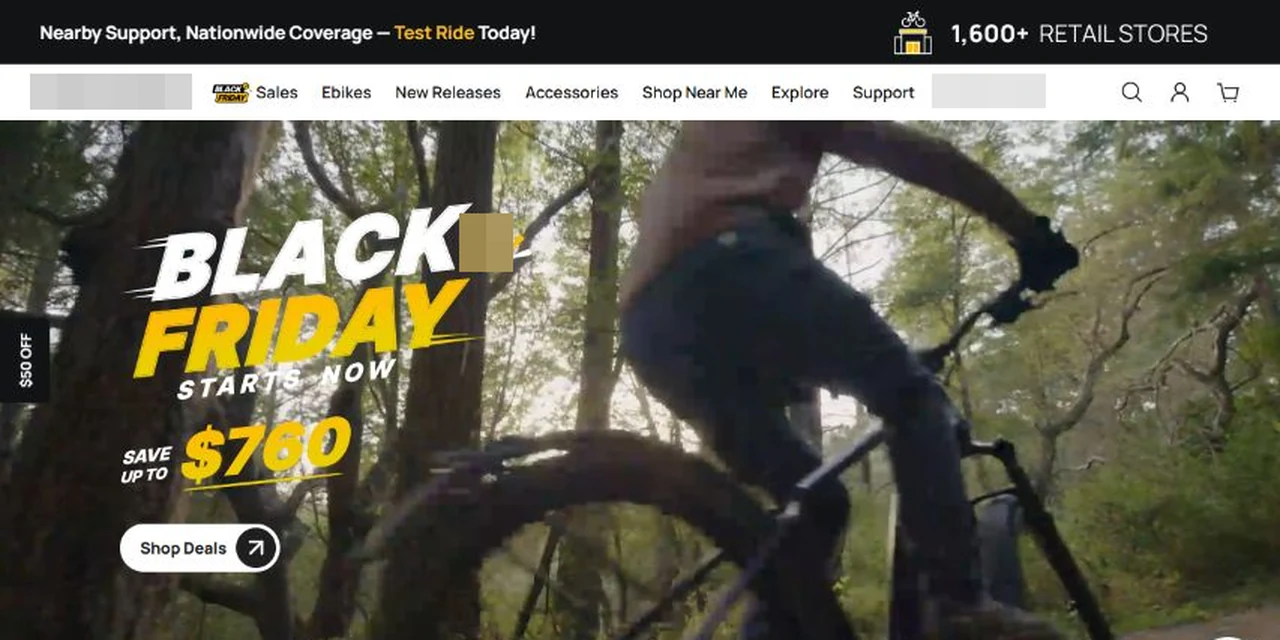
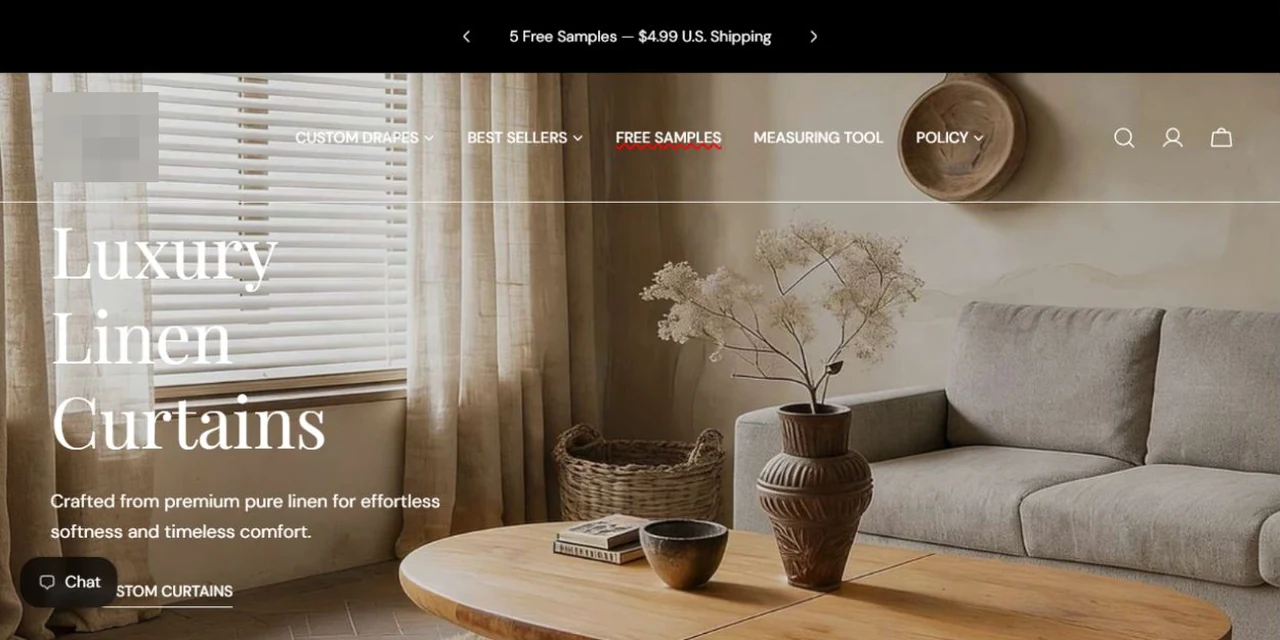
This performance bicycle and frameset brand serves the North American market and wanted to offer custom paintwork and accessory choices. Customers need to work through color schemes, swatches, finishes and component combinations while seeing the corresponding product image and current price.
The task was to connect these choices rather than simply add option fields. Paintwork, colors and accessories affect presentation and pricing, and changes made in an earlier step need to remain consistent with the current image, configuration and price.
We developed a custom configurator within the existing product page, defining option and pricing relationships, implementing step changes, and connecting imagery with live prices. The confirmed configuration also passes into the cart and order to support production.
The challenges
Multiple options need one configuration state
Color schemes, swatches and accessories jointly define the configuration; they need coordinated behavior.
Selections need immediate feedback
Selected states, previews and prices must update together so customers can confirm the configuration.
Production needs complete specifications
The confirmed requirements need to travel with the order for checking and production.
02Our scope of work
Option relationships and pricing
Define selection rules for color schemes, swatches, finishes and accessories, including the prices associated with each combination. Establish a shared configuration that can support both the customer-facing display and production information.
DeliverableSelection rules and configuration data
Guided components and image updates
Develop the product-page configurator with successive paintwork, color and accessory steps. Connect the main image to the current selection and handle revisions as customers review their custom design.
DeliverableWorking product configurator
Pricing and add-to-cart integration
Update the displayed price from the current options and connect configuration confirmation with add-to-cart. Verify that changed selections, the displayed quote and the submitted configuration agree.
DeliverableConnected configuration, pricing and cart
Order and production information
Pass the confirmed custom requirements into the order for subsequent production checks. Test selection, add-to-cart and order records across different combinations before delivery.
DeliverableCustom requirements for production
03Pages, features and journeys
Project interface
01
Organize appearance choices in one configurator
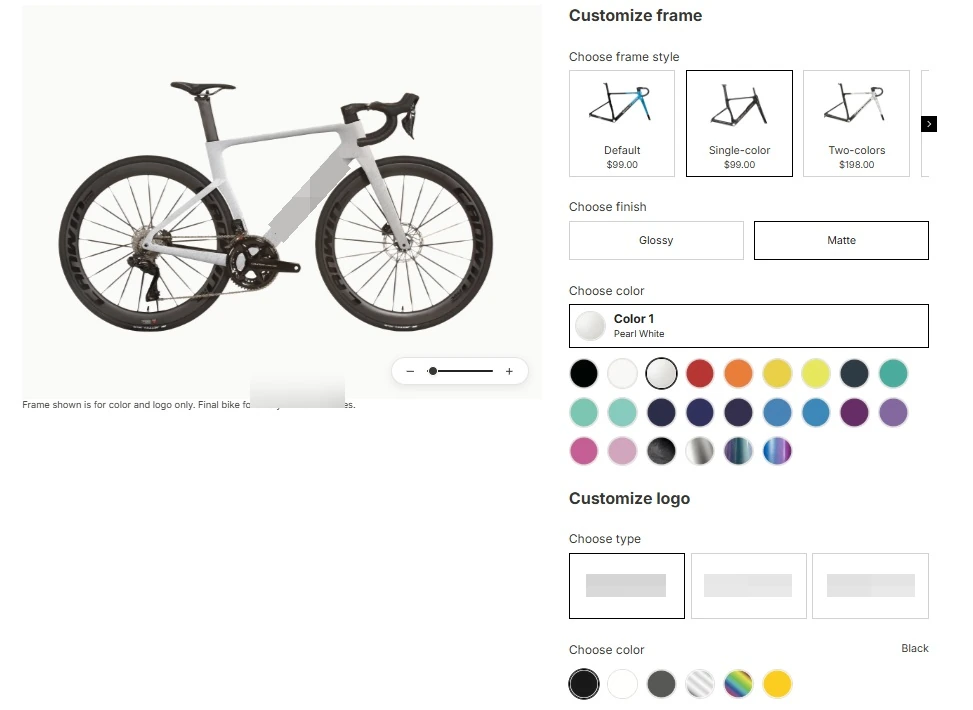
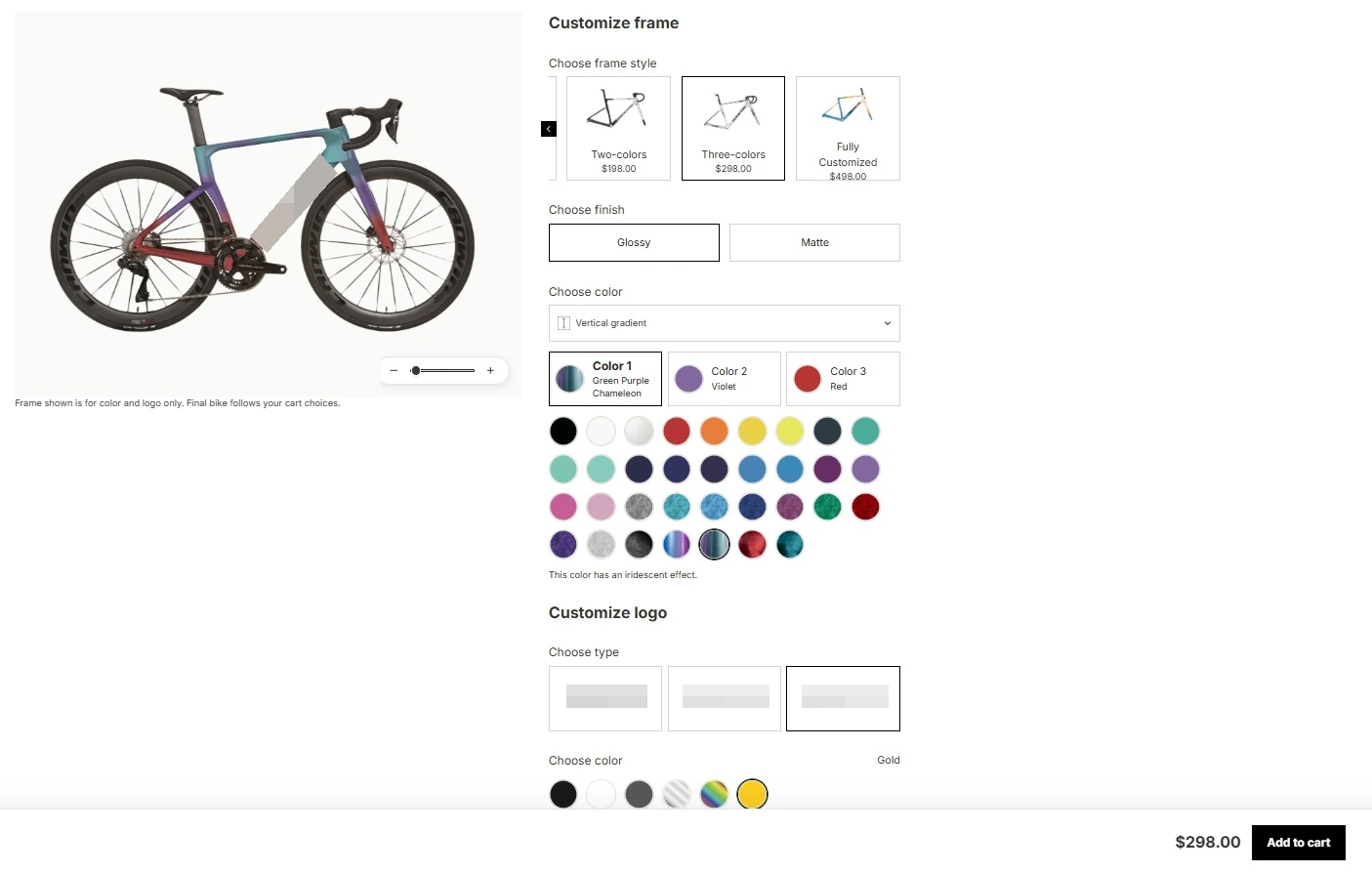
Color schemes, swatches and appearance options share a dedicated configuration area on the product page. Individual selections combine into the configuration used for presentation, pricing and purchasing.
All options contribute to the same configuration.
Selected states help customers review their requirements.
Project interface
02
Keep combinations and selected states connected
The panel brings schemes, swatches and accessory choices into a continuous selection process. Confirmed settings then feed into page presentation, price feedback and the order handoff.
Present schemes and swatches within a connected flow.
Link the configuration to pricing and purchase actions.
WORKFLOW ILLUSTRATION
Selections
Paint style
Single-color, two-color or multi-color choices
Live response
Preview and price
Keep the visual result aligned with the selected combination
The configurator connects choices with understandable results. Paint style, finish and logo selections feed the configuration, update the preview and corresponding price, and remain available for review before adding the item to the cart.
A complete product configuration journey
Follow configuration data from the product page through to the order.
Start customizing
Choose a configuration on the product page.
Adjust the combination
Select a swatch and other relevant options.
Review the result
Check the preview, selected options and price.
Submit configuration
Carry the confirmed customization details into the order.
04Technical approach and workflows
Key decisions
One shared configuration state
Keep options, previews and prices synchronized with the same configuration state.
Confirm selections before ordering
Retain the selected details throughout the transaction, beyond the browser interface.
Functional layers and information flow
Treat option states, images, pricing and order parameters as representations of one configuration so the purchased item matches the preview.
Input state
Record the current scheme, swatch, logo and accessory selections.
Update the display from the same configuration values.
Synchronized feedback
Update product imagery, selected states and pricing from the confirmed choices.
Help users understand the result without disclosing the complete pricing rules.
Order output
Pass configuration details through the purchase journey to the order.
Production and fulfillment use the customization requirements recorded in the order.
01
Option input
Color schemes, logos and accessories
02
Linked presentation
Product imagery, selected states and prices
03
Order record
Pass configuration details to fulfillment
A simplified workflow diagram showing responsibilities and information flow.
05Delivery and validation
Rules and implementation planning
Review customization and production parameters, assess implementation options and confirm dependencies.
Stage output Configuration plan and rule scope
Configuration interface development
Implement colors, swatches and accessories, including selected states and feedback.
Stage output Product-page configurator
Linked feedback and order integration
Check imagery, pricing and add-to-cart behavior, then pass requirements into the order.
Stage output A connected configuration-to-order flow
Combination testing and handover
Test agreed combinations for state, pricing and order parameters before launch.
Stage output Validated custom features
Validation checklist
Selected state
Check selected states after changing schemes and swatches.
Linked visual feedback
Verify that product imagery and pricing follow the current configuration.
Purchase integration
Confirm consistency across configuration, cart and order details.
Combination testing
Validate agreed configuration combinations without disclosing the client's pricing or production rules.
06Deliverables and project value
Visible customization choices
Paintwork, colors and accessories are connected with product images so customers can review their current configuration.
Prices follow selections
The current combination determines the displayed quote and carries forward into add-to-cart.
Purchase requirements reach production
Personalization data stays with the order, connecting the customer’s selections with subsequent production checks.